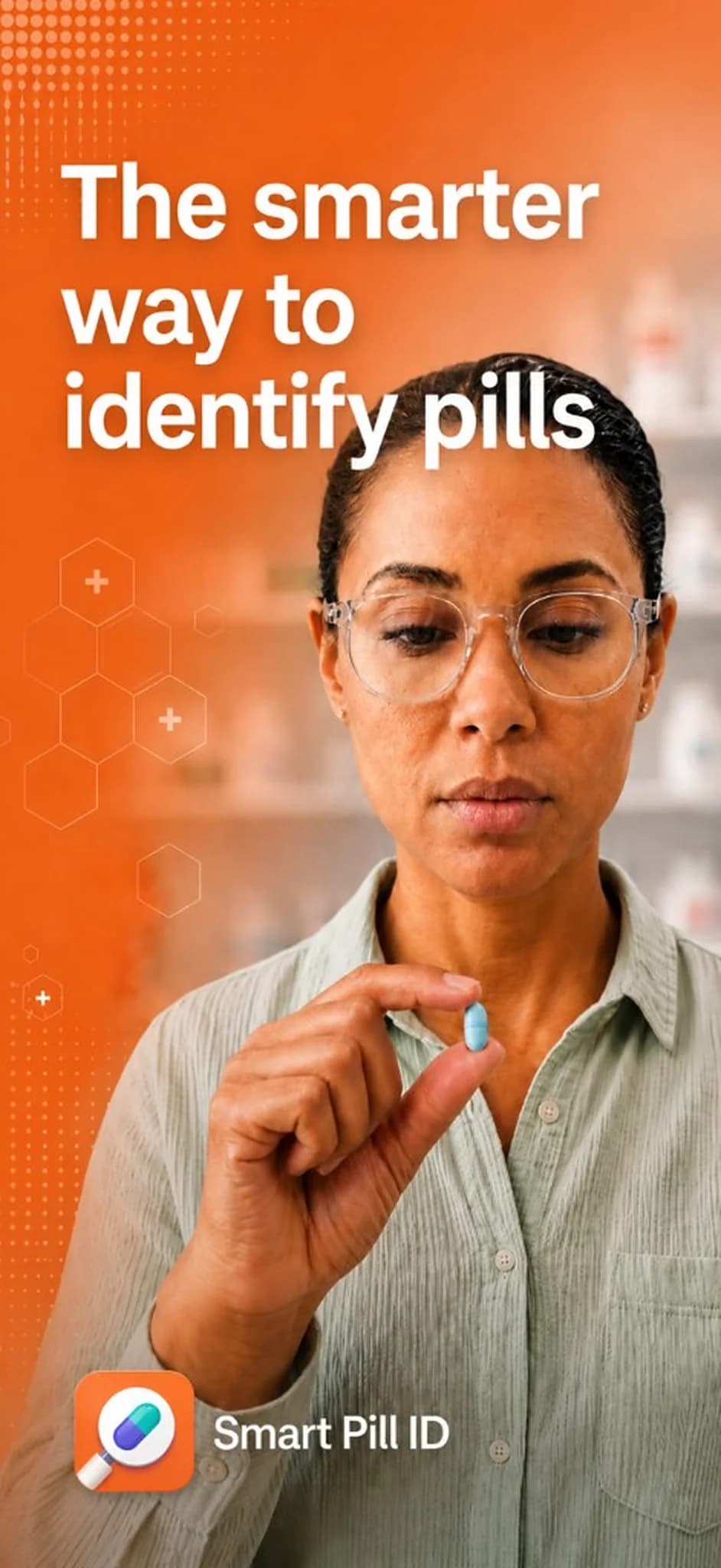
01
Photo.
Take a picture of the pill with your camera, or upload one from your library.
Smart Pill ID
Take a photo of a pill or upload one you have. Review the match, then check interactions and clinical details. Free on iPhone and Android.


For information only. Confirm with a pharmacist, doctor, or the label before taking any medication.
How it works
01
Take a picture of the pill with your camera, or upload one from your library.
02
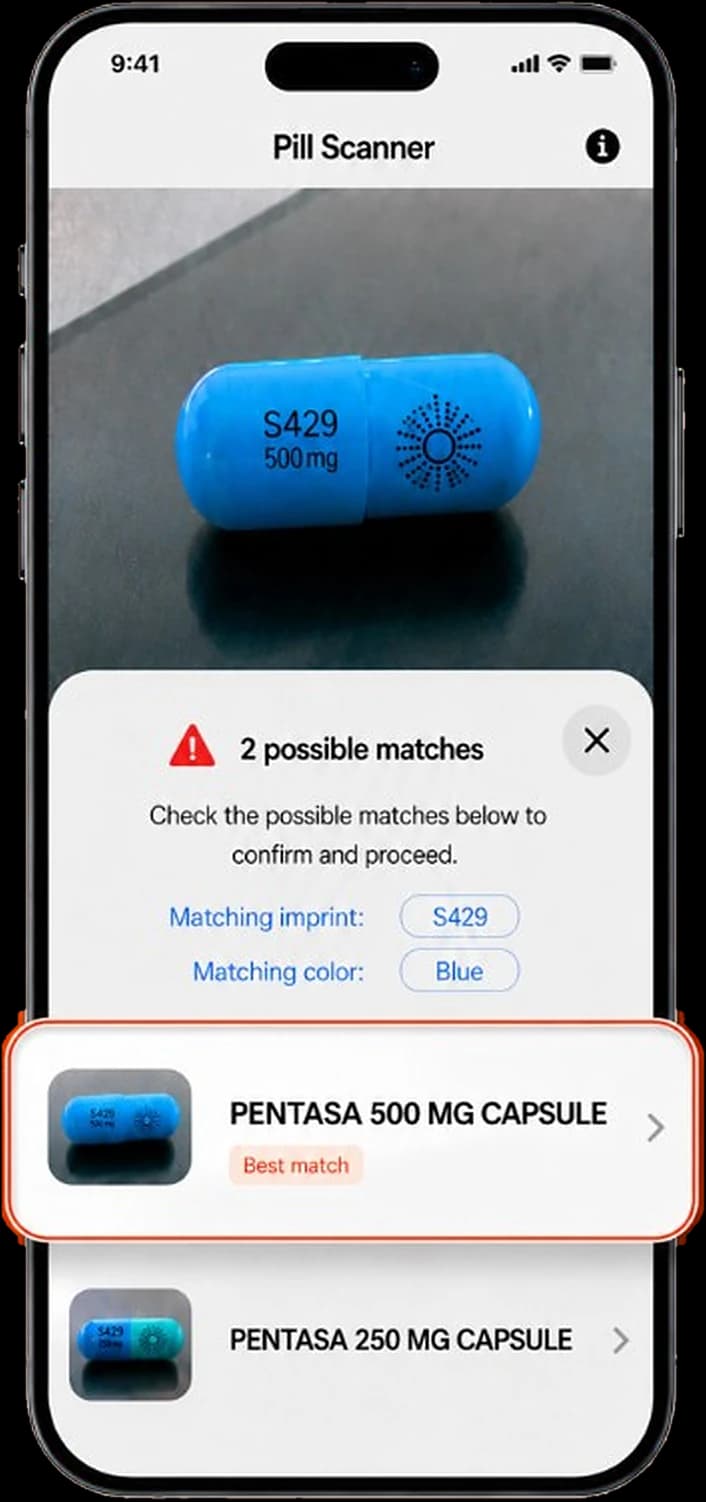
Review the possible matches. Confirm the name, strength, color, and imprint against the pill in your hand.
03
Read what the medication is for, check interactions and side effects, and save it for later.
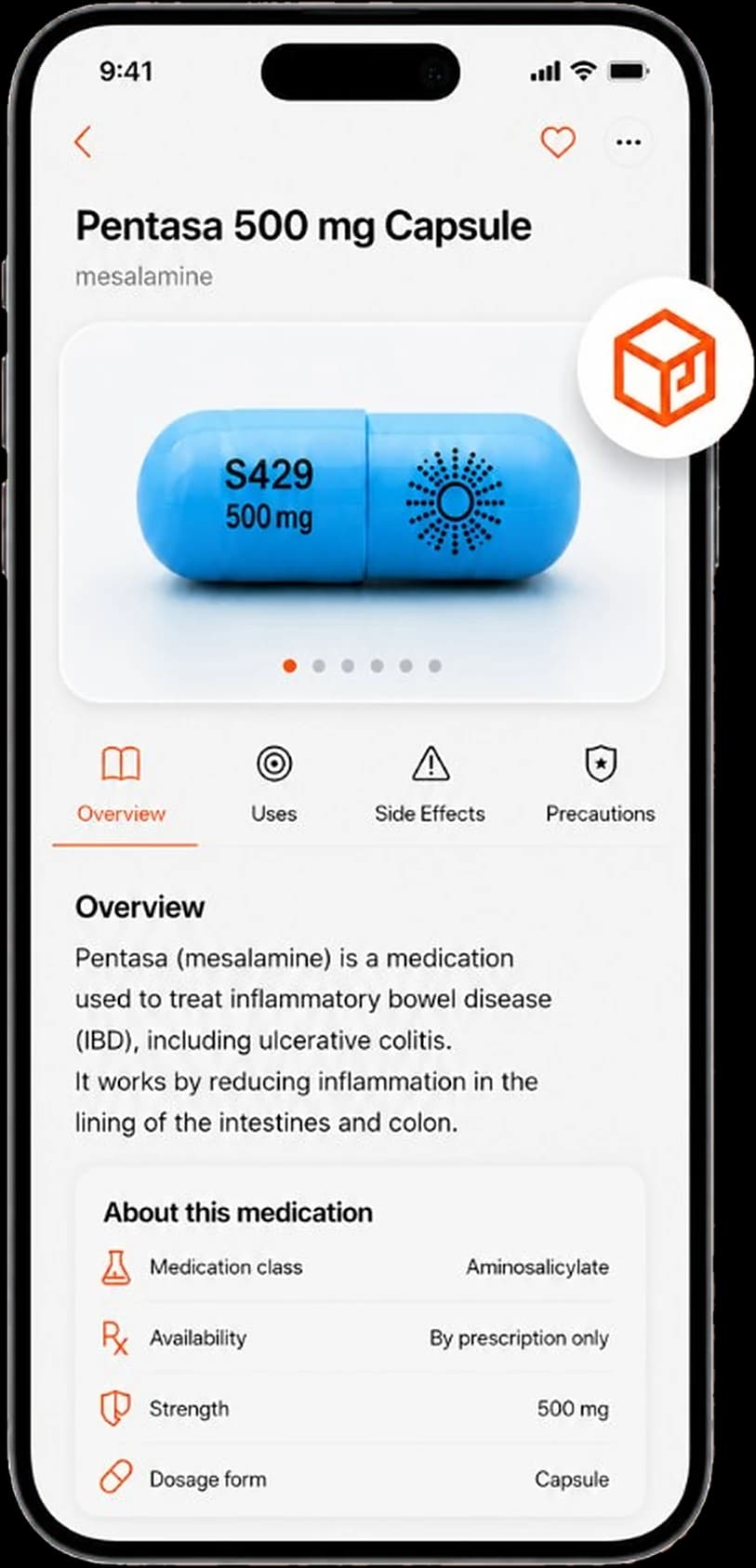
Photo identifier
Point the camera at a tablet or capsule and Smart Pill ID reads the imprint and color to find possible matches, with the best match flagged. No camera handy? Upload a photo from your library instead.
You can also search by imprint code, or scan the barcode on the box. Built for U.S. prescription pills.
Download the app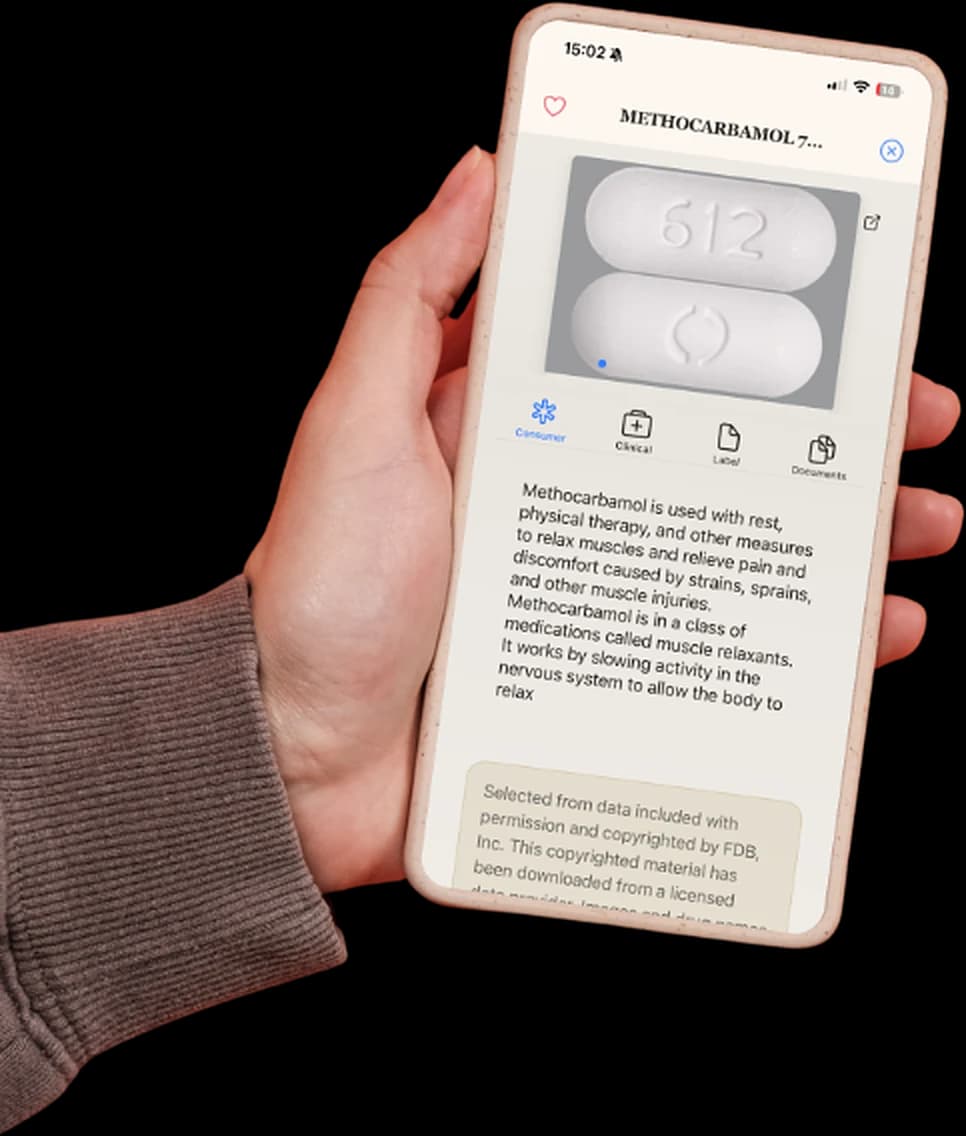
Understand your prescription
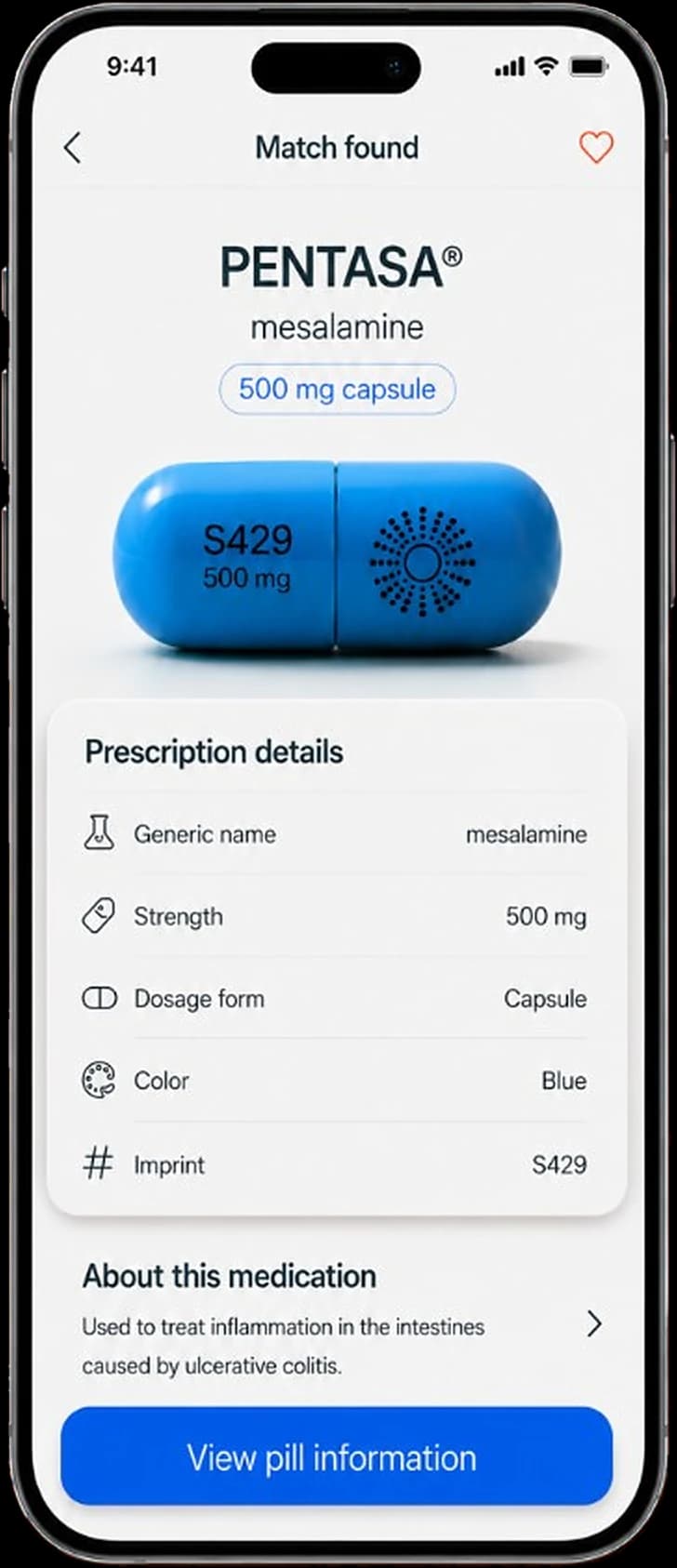
See the pill next to its brand and generic name, then a plain-language overview of what it treats and how it works. Medication class, availability, strength, and dosage form are listed right below.
Overview, Uses, Side Effects, and Precautions tabs keep everything about a medication in one place.
Drug interactions
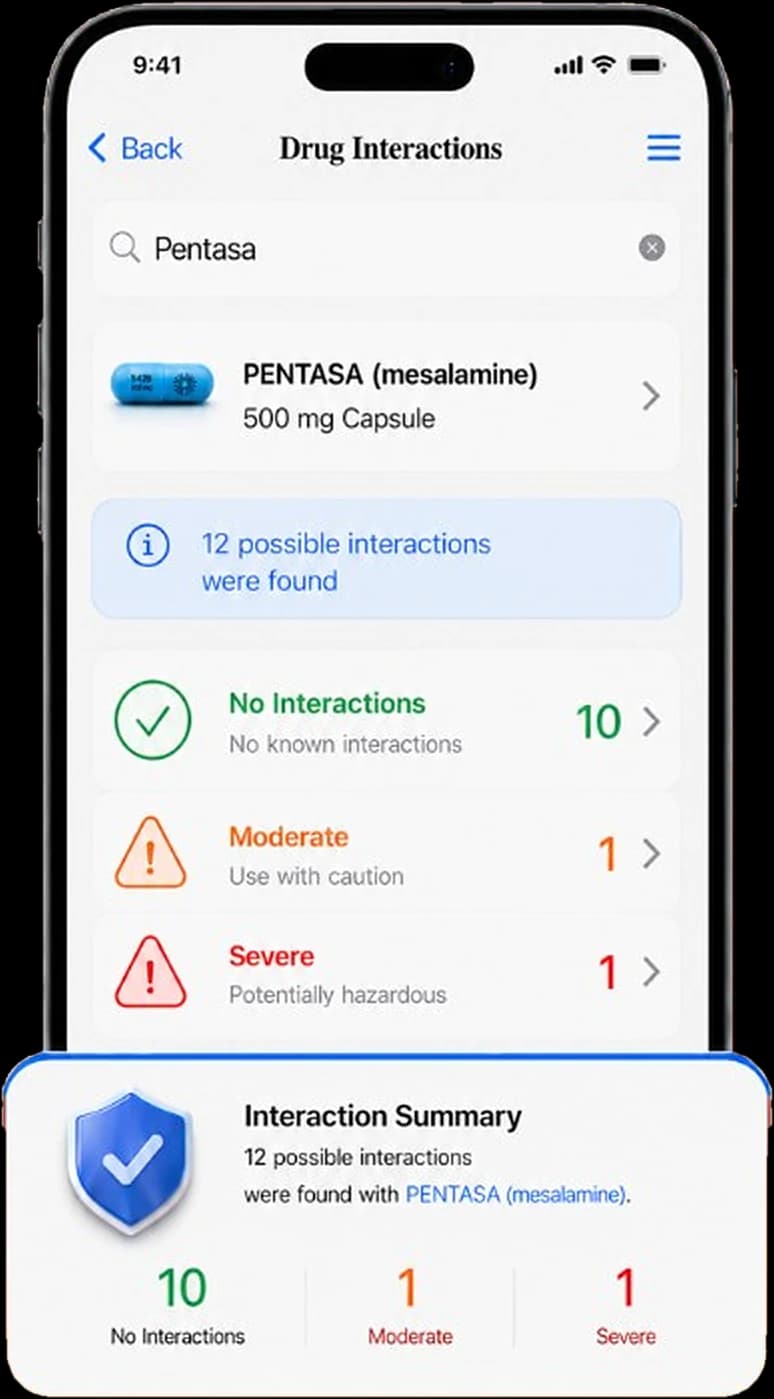
Search any medication to see possible interactions with other drugs and supplements, sorted by severity: none, moderate, or severe. Each one comes with a description, so you know what to ask your pharmacist about.
Get Smart Pill ID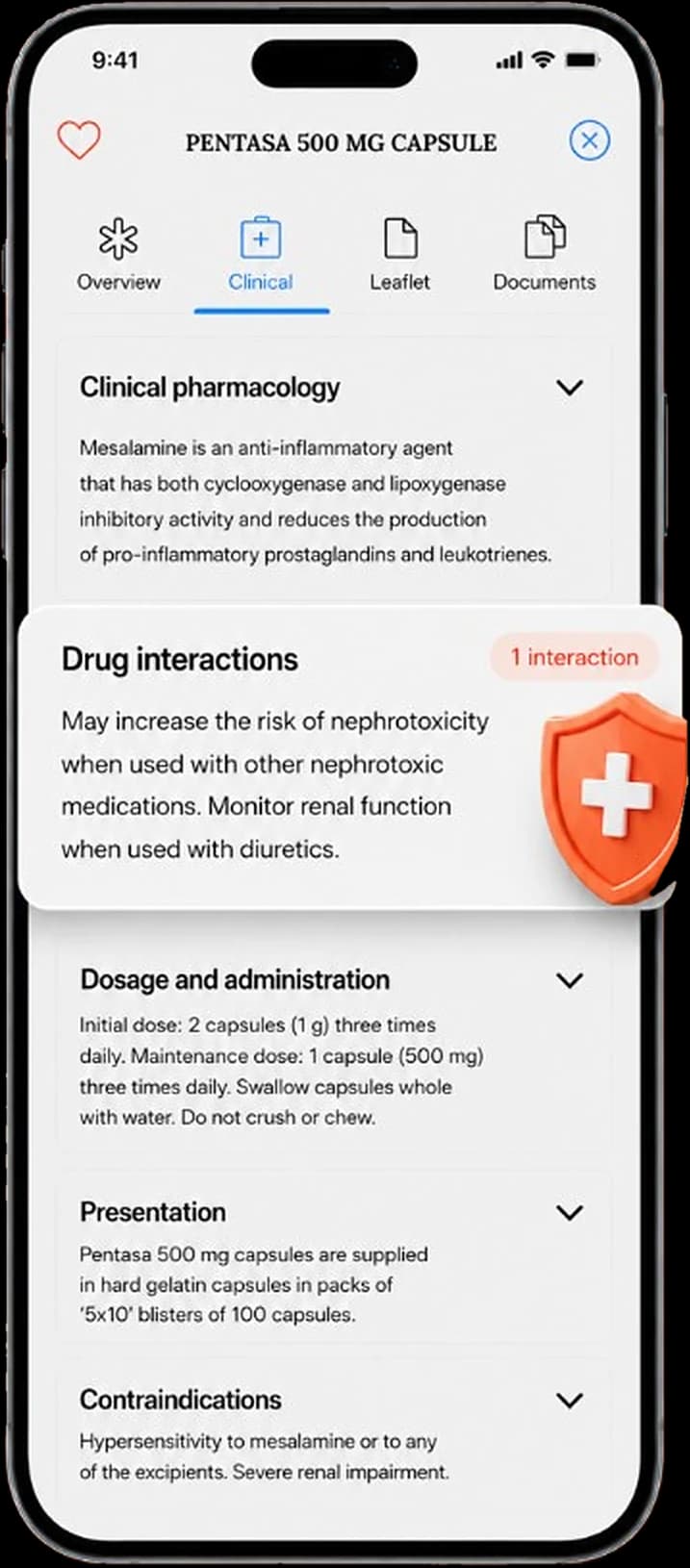
Clinical information
Clinical pharmacology, drug interactions, dosage and administration, presentation, contraindications. Every section of the label is a tap away, along with the patient leaflet and documents, and you can save a pill to come back to it later.
Reviews
Yes. Open Smart Pill ID, take a photo or choose one from your library, then review the possible match. Confirm with a pharmacist, doctor, or the label before taking any medication.
Yes. Smart Pill ID is free to download on the App Store and Google Play for iPhone and Android.
Yes. Take a new picture or choose a photo you already have on your phone.
Yes. If a photo is not an option, search by the imprint printed on the tablet or capsule along with details like color and shape. You can also scan the barcode on branded packaging.
Yes. Search a medication to see possible interactions with other drugs and supplements, each with a plain-language description.
Smart Pill ID is built for U.S. prescription pills. Many medications sold in Canada and other countries share the same imprints, but results outside the U.S. may be incomplete. Always confirm with a pharmacist.
Smart Pill ID is an app for iPhone and Android. Download it free, then take a photo or upload one from your library to identify a pill.
No. Smart Pill ID is for information only. Always confirm a pill with your pharmacist, doctor, or the medication label before taking it.
The smarter way to identify pills. Free on iPhone and Android.